CSC8508 Coursework – Multiplayer Top-Down Shooter Game
About the Project
This game was developed as part of the CSC8507/8508 "Gaming Solutions within a Team" coursework. Our 8-person team collaborated over three months to build a multiplayer top-down shooter game entirely from scratch in C++, demonstrating strong project management and teamwork capabilities.
The game features fast-paced action with multiple weapons and abilities, four unique levels, and complete gameplay loops. All core systems—from rendering to networking—were implemented in pure C++.
Genre: Multiplayer Top-Down Shooter
Language: C++
Platform: PC
Team Size: 8
Project Screenshots
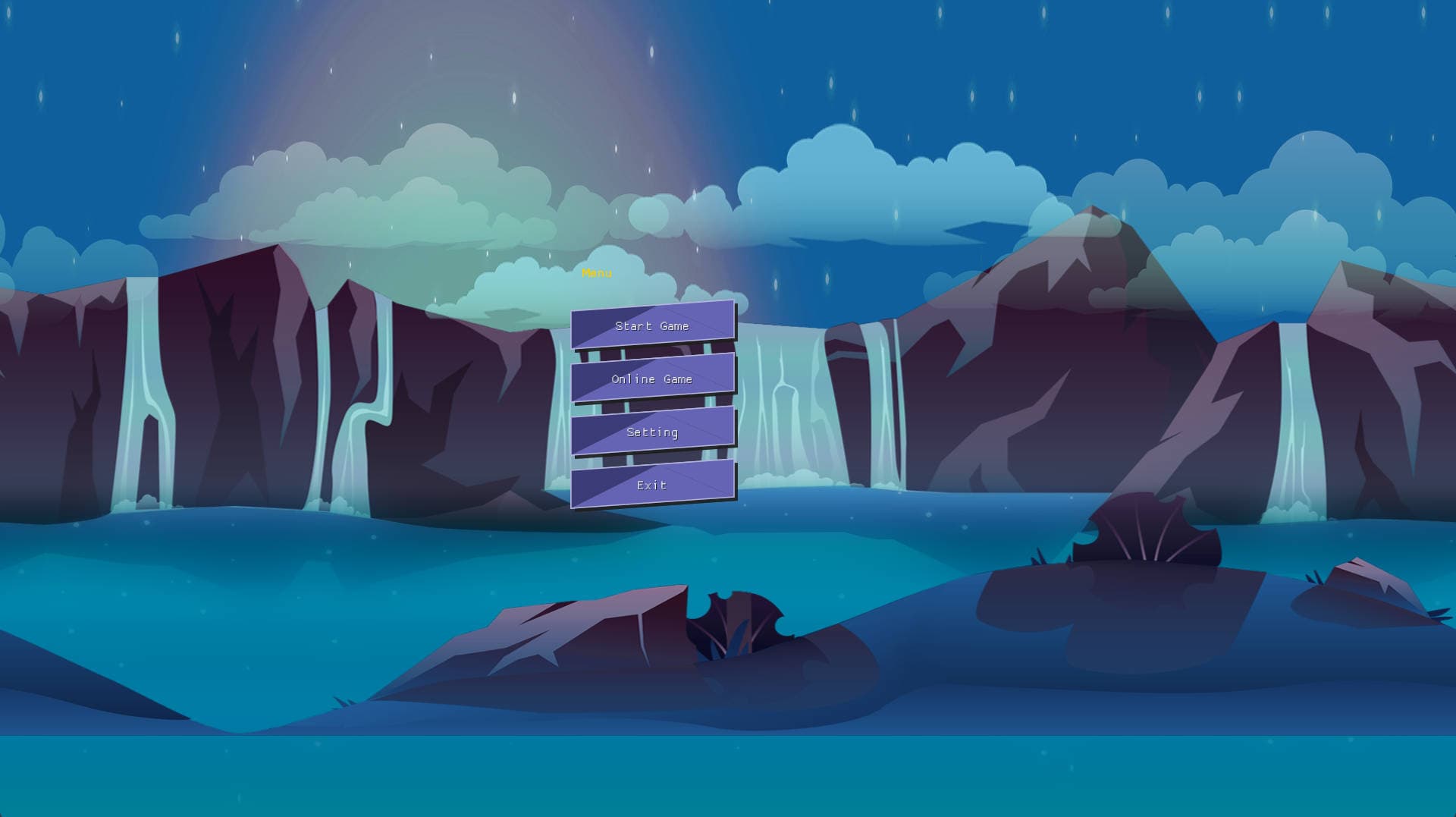
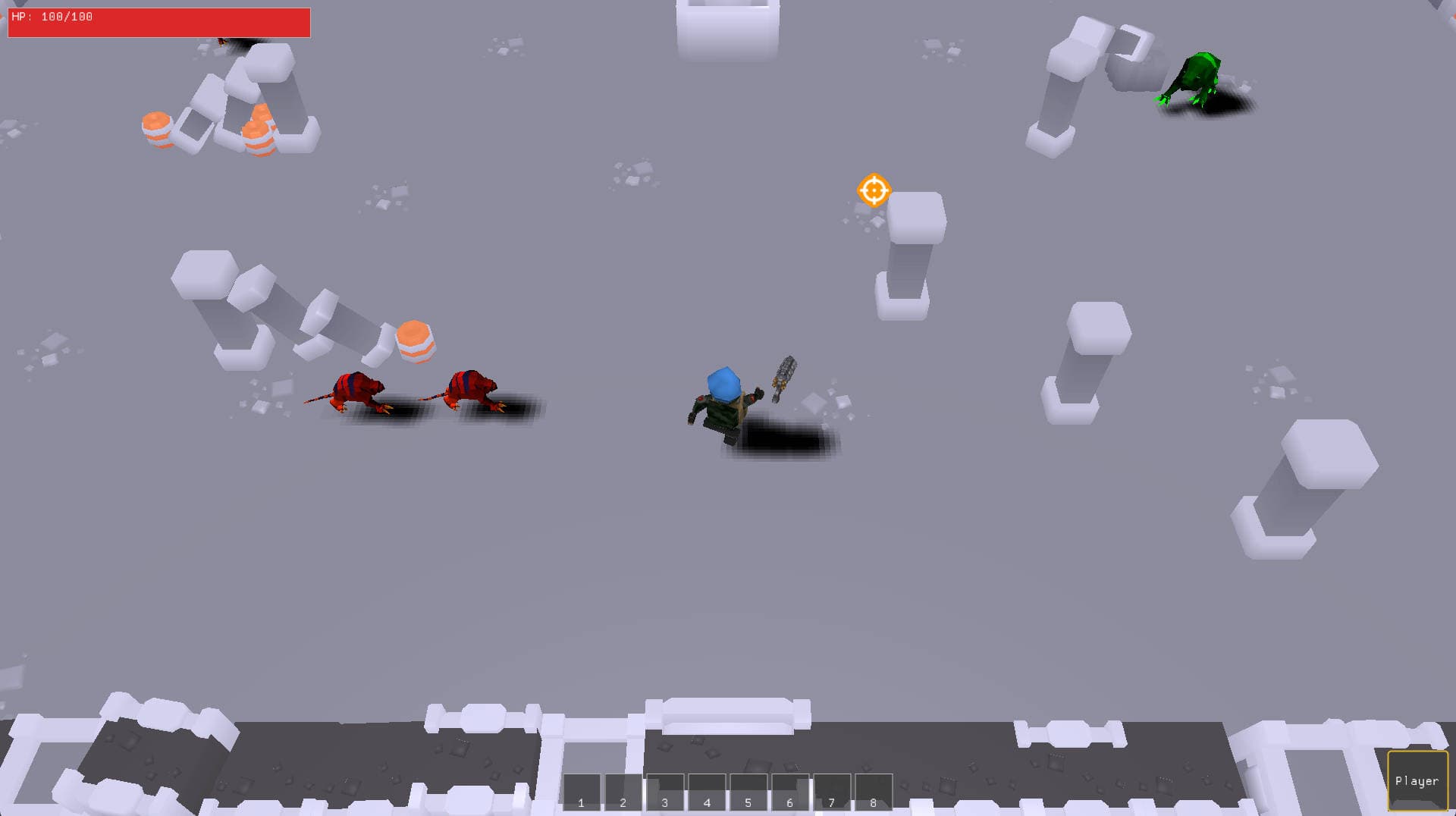
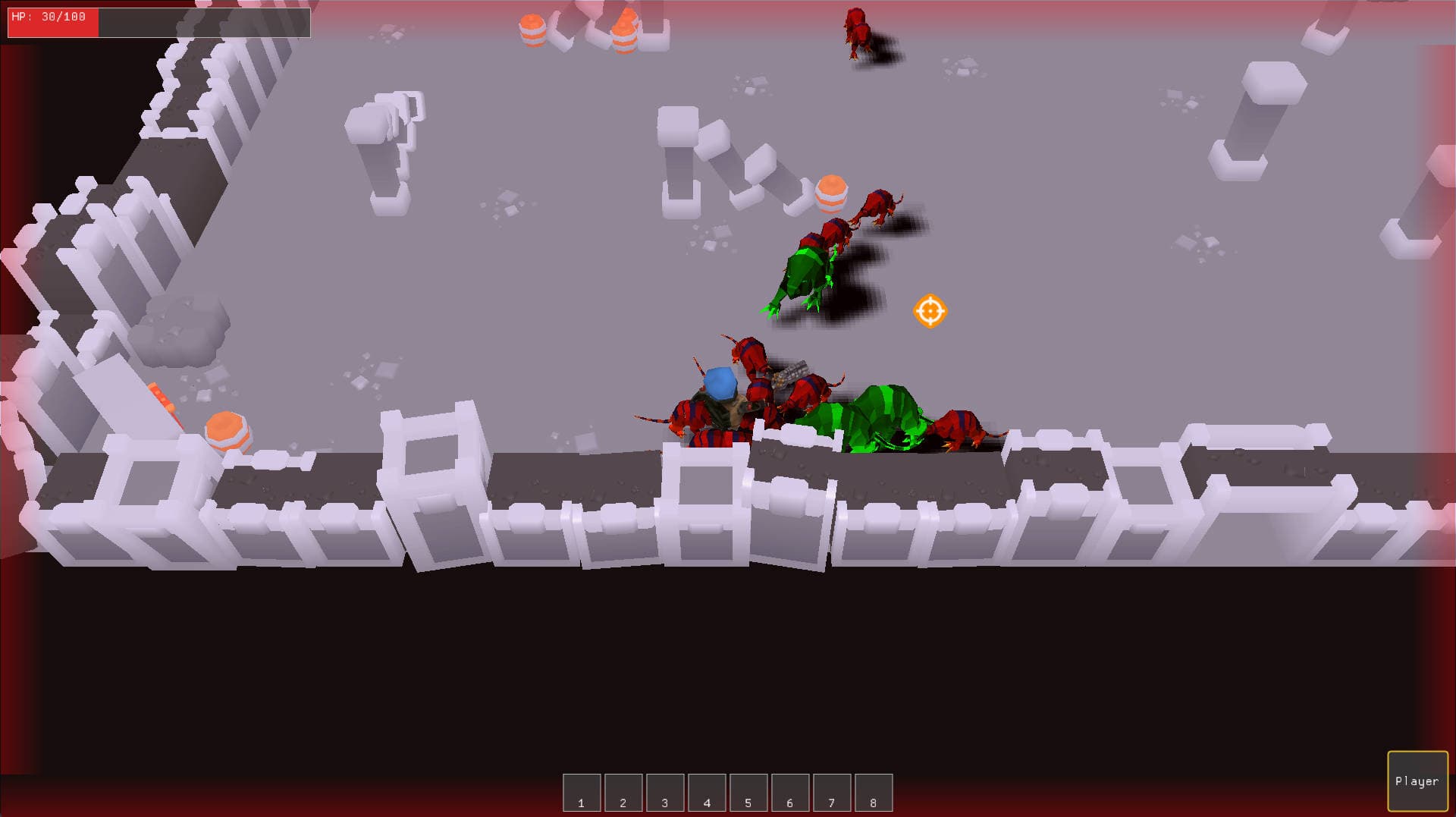
Role(s) and Responsibilities
Team Leader & Gameplay Programmer
As team lead, I was responsible for both project coordination and core system development. My key contributions included:
1. Establishing Team Collaboration Workflow
- Set up GitHub as the main code repository with the following branching model: Each member developed features in separate branches, and merged into main branch via Pull Requests after testing and review.
- Used Feishu (Lark) to organize design documents, development protocols, and task tracking. Team tasks were assigned and tracked via a Kanban board.
- Defined key development milestones and broke them down into actionable tasks assigned to individuals. We held daily in-person stand-up meetings to report progress and solve blockers.
2. Implementing Core Game Architecture
- Developed an efficient scene management system using object pooling and an octree structure, providing modular APIs for other systems to integrate.
- Built the networking system using ENet, supporting state synchronization through an event-driven system, and implemented client-side prediction with rollback for latency compensation.
- Designed key data structures for players and environments, developed the core gameplay logic, and exposed standardized APIs for modular development.
3. Building the CI/CD Pipeline
- Set up a Jenkins-based CI/CD pipeline using a local lab machine to pull updates from GitHub, build the project, and generate executable .exe files—ensuring a consistent and automated build process throughout the development lifecycle.
Game Overview and Technical Highlights
Game Summary
This is a pure C++ multiplayer game built on a custom engine (based on our CSC8502/CSC8503 coursework). Players fight waves of monsters using diverse weapons and skills across four uniquely designed levels. The game supports real-time multiplayer and complete gameplay loops.
Technical Highlights
- Optimized Rendering: Achieved smooth rendering of high monster counts with dynamic shadows and post-processing effects.
- Third-Party Integrations: Integrated external libraries for physics (Bullet), UI (NoesisGUI), audio (FMOD), particle effects (Effekseer), and more.
- Advanced Gameplay Mechanics: Implemented swarm navigation using flow field pathfinding, seamless online multiplayer via custom networking, and polished skill effects.
Key Experience & Engineering Takeaways
1. Standardizing Development Environment Across the Team
As a pure C++ project with complex third-party dependencies, initial environment setup was a challenge for many teammates. To reduce friction and enable faster onboarding, I led the standardization of the development workflow:
- Unified Toolchain: Mandated Visual Studio 2022, CMake 3.16, and vcpkg for dependency management.
- Comprehensive Setup Documentation: Created detailed step-by-step guides covering software installation, repository cloning, solution generation, dependency installation, and build instructions, along with troubleshooting guides.
- Automation Scripts: Wrote scripts to automate vcpkg installation and library integration. The scripts were version-controlled on GitHub and continuously maintained as the project evolved.
This significantly reduced the setup burden for new contributors and ensured consistency across different development machines.
2. Designing and Enforcing Git Collaboration Standards
To ensure smooth collaboration within the GitHub repository (private, contributor access only), I introduced the following Git workflow guidelines after early-stage issues with merge conflicts and improper commits:
- Branch-by-Feature Development: Each feature was developed in its own branch and only merged into main via reviewed Pull Requests after passing basic tests.
- Regular Merges from main: Developers regularly synced updates from main to their branches to resolve conflicts early and maintain consistency.
- Commit Best Practices: Encouraged small, frequent commits with meaningful messages that clearly indicated the scope and intent of each change.
- CI/CD Integration & Error Feedback: Jenkins automatically built all PRs. If a build failed, the responsible developer was notified via Feishu bot to resolve issues promptly.
- Conflict & Error Handling: The last committer responsible for breaking changes was required to revert the commit and resolve the issue locally before resubmitting. I provided support for complicated merges via rebase or rollback if needed.
- Maintaining Clean Repositories: .gitignore was updated to exclude cached files and build artifacts to prevent clutter and reduce unnecessary merge conflicts.
These practices streamlined team collaboration and ensured robust version control throughout development.
3. Managing Third-Party Dependencies & Cross-Platform Builds
Dependency Management Challenges
Our game utilized several third-party libraries such as Bullet, GLFW3, NoesisGUI, FMOD, and Effekseer for various subsystems. While most dependencies were integrated via vcpkg, several issues emerged:
- Inconsistent Build Configurations: For example, vcpkg builds all packages in Release by default, which caused ABI mismatches (e.g., LNK2038) when linking with Debug-mode projects. Manual property adjustments were needed every time the solution was regenerated.
- Manual Integration for Unavailable Libraries: Libraries not supported by vcpkg (e.g., Effekseer) had to be compiled manually and linked using CMake. Supporting both Debug and Release builds required maintaining separate .lib files and configurations.
- Mixed Integration Models: Combining vcpkg with manual builds increased complexity, especially for managing paths, build modes, and library version consistency.
Cross-Platform Build Attempt (PS5 Porting)
In the final phase, we attempted to explore PS5 platform adaptation using the official SDK. However, vcpkg does not support cross-compilation for console platforms. As a result, we had to:
- Download and compile source code for each dependency using PS5's CMake toolchain.
- Maintain separate build pipelines and .lib files for PC and PS5.
Despite these challenges, we succeeded in automating cross-platform compilation through a unified CMake configuration. However, this process revealed a lack of early planning for multi-platform support.
Lessons Learned and Recommendations
- Platform Compatibility Should Be a Selection Criteria Early On: Evaluate third-party library support for all target platforms from the start.
- Unify and Automate Build Systems: Consider tools like [Conan] for cross-platform dependency management with better support for Debug/Release modes and CI pipelines.
- Clean Separation of Platform Logic: Use clear platform-specific conditionals in CMake to avoid conflicts and redundant library inclusion.
- Document and Modularize Mixed Dependency Models: Mixed dependency integration should be automated and well-documented to reduce onboarding time and human error.
This experience gave us deeper insight into build system engineering and laid a solid foundation for future cross-platform game development efforts.